

How Much Does It Cost to Publish a Book in 2026?
How much it costs to publish a book in 2026: editing, cover design, formatting, ISBN and marketing costs, what Amazon KDP charges, and a $0 budget path.
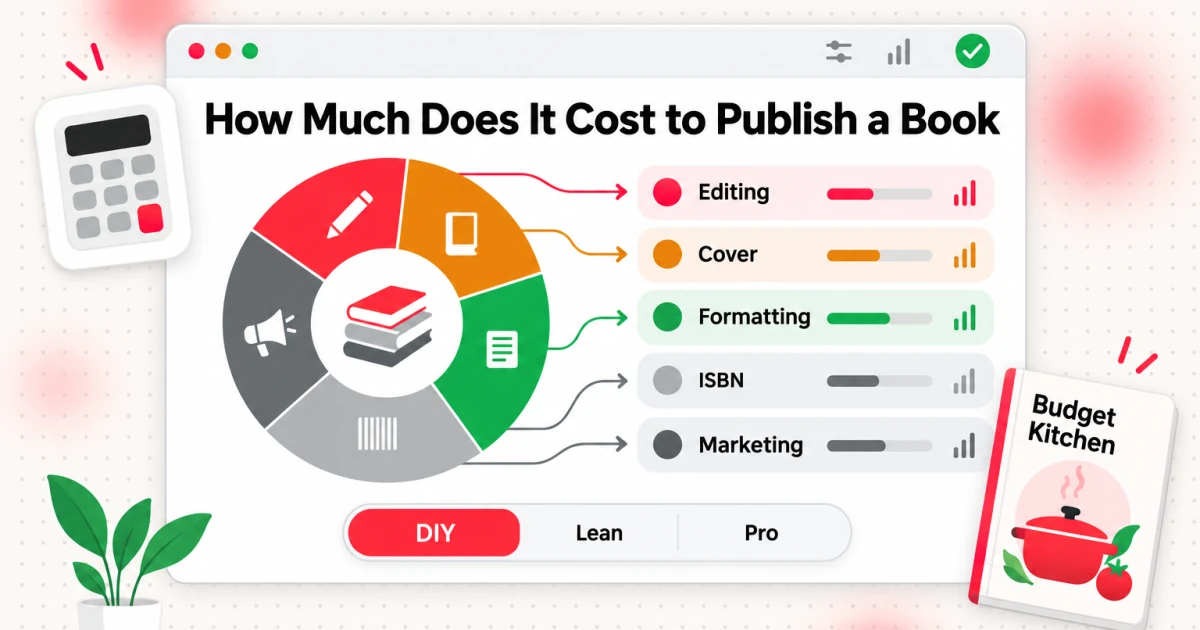
How much does it cost to publish a book? Putting a book on Amazon costs nothing: Kindle Direct Publishing (KDP) says it lets you "self-publish eBooks, paperbacks, and hardcover books for free" (KDP help, as of October 2026). Everything else is a choice about who does the work. Editing, cover design, interior formatting, an ISBN and marketing are the five line items that move your total, and each one can be done by you, by a tool or by a freelancer.
That is why published figures for the same book can run from almost nothing to several thousand dollars. A 2026 analysis of more than 230,000 freelancer quotes on Reedsy puts a fully outsourced self-published book at $2,940 to $5,660. A book where you write, format and design everything yourself can go live for $0.
This guide breaks the budget down item by item. You will see what each service costs, which parts Amazon charges for (paperback printing comes out of your royalty, not your wallet), where a free path exists and what it costs you in time instead. All prices are as of October 2026 and link to their source, so you can check them before you spend.
How Much Does It Cost to Publish a Book? The Short Answer
The honest answer is a range, and where you land depends on how much you outsource. Three budgets cover most authors.
| Path | What you pay for | What it costs (as of October 2026) |
|---|---|---|
| DIY | You edit, format and design the cover yourself. Free KDP ISBN for paperbacks. | $0 required. Optional: proof copies (print cost plus shipping), software. |
| Lean | One paid editing pass, a lower-cost cover, formatting software or templates, free KDP ISBN. | Roughly $1,200 to $2,500 for editing a 60,000-word nonfiction book, plus a few hundred for cover and software. |
| Pro | Developmental or copy editing, proofreading, a custom cover, professional interior design, a modest launch budget. | $2,940 to $5,660 on Reedsy's 2026 quote data, before ads. |
The DIY row comes from KDP's own statement that publishing is free. The Lean editing range is arithmetic on the Editorial Freelancers Association (EFA) 2026 rate chart: proofreading nonfiction at 2.0 to 3.0 cents per word and copyediting at 3.0 to 4.0 cents per word, applied to 60,000 words, gives $1,200 to $1,800 and $1,800 to $2,400. The Pro row is Reedsy's own range from its cost guide, which is based on quotes, not on what every author pays.
Two cautions before you pick a row. First, quotes are asking prices from freelancers who sell on a marketplace, so they skew professional. Plenty of authors publish well for less. Second, the cheapest path is rarely the cheapest in time. A $0 budget buys you the time-consuming version of every task, which is fine if you have the hours and the patience to learn them.
How Much Does It Cost to Self-Publish a Book?
Self-publishing is the path where you pay for services instead of paying a publisher. If you want the full process first, read how to self-publish a book. For the budget, here is the checklist, in the order most authors hit each cost.
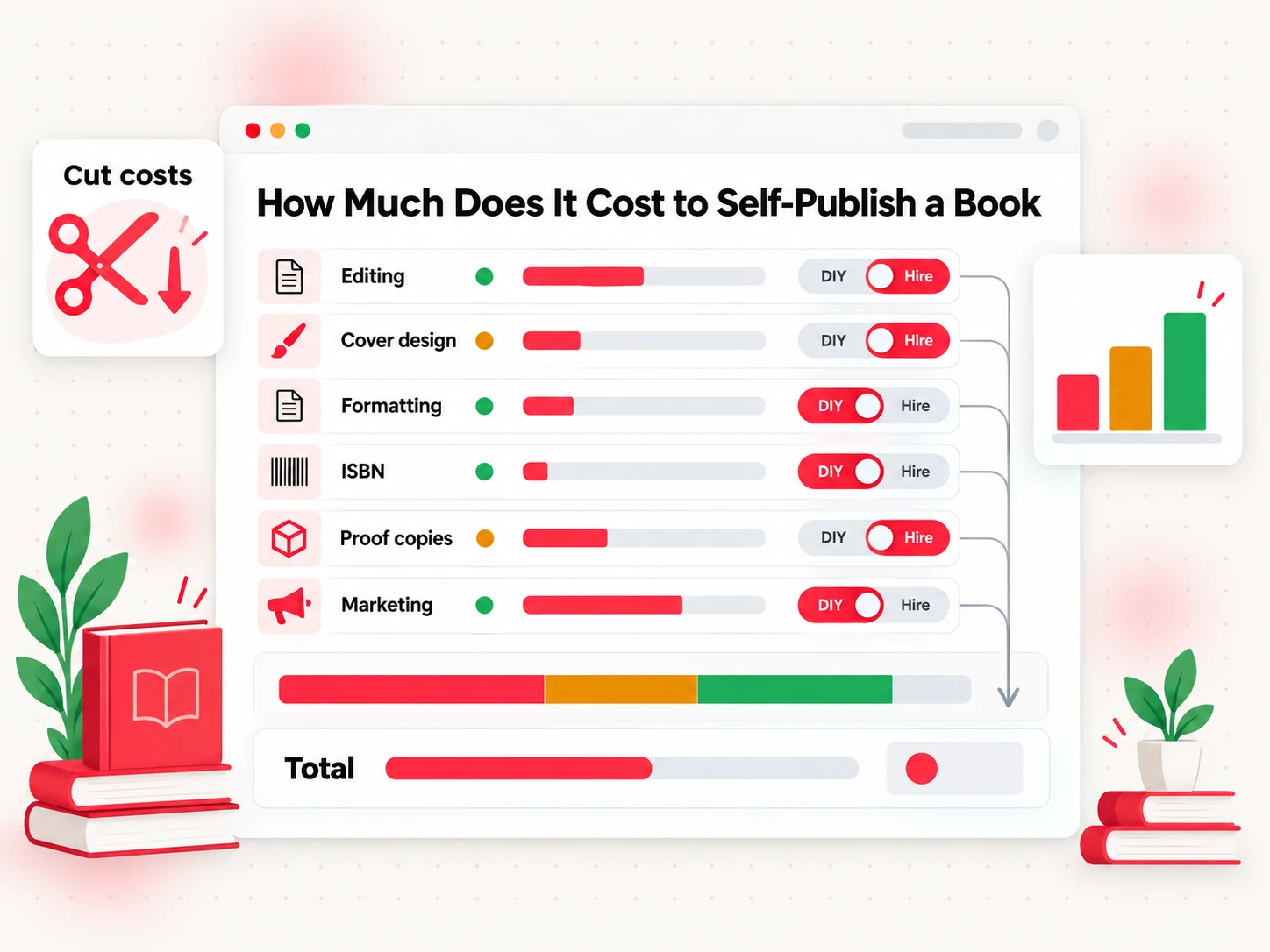
- Editing. The biggest variable. Reedsy's 2026 data for an 80,000-word book shows an editorial assessment around $2,000, developmental editing around $2,880, copy editing around $2,160 and proofreading around $1,600. Most authors do not buy all four. You can do the first pass yourself and pay only for a final proofread.
- Cover design. A professional cover averaged $880 across more than 9,600 Reedsy projects in 2025, with most between $625 and $1,250. Reedsy's guide lists interior design at about $800.
- Formatting. Software costs a one-time fee, or nothing if you use a built-in tool; a freelancer costs about what Reedsy lists for interior design.
- ISBN. $0 for a paperback with a free KDP ISBN. $125 each from Bowker in the United States if you want your own.
- Proof copies. A printed proof costs the book's print cost plus shipping and tax. Reedsy lists proofs at about $10 to $100 in total.
- Marketing. Reedsy's range is $60 to $1,500, most of it an author website, a newsletter and optional help from a freelancer.
The useful question is not "what is the average?" but "which of these can I do myself well enough?" Most first-time authors keep drafting, a first editing pass and basic formatting in their own hands, then pay for the two jobs where skill shows up on the product page: the cover and the final proofread. Your word count affects the editing line the most, so check it with the word counter before you ask anyone for a quote. If you are not sure what length is normal for your genre, how many words are in a novel gives the ranges.
How Much Does It Cost to Publish a Book on Amazon?
Nothing up front. Uploading, review and listing on KDP are free, and the costs Amazon takes arrive only after a sale, out of your royalty. That is the real structure behind the "amazon self publishing cost" question: Amazon does not bill you, it keeps a share of each sale and deducts a printing or delivery cost.
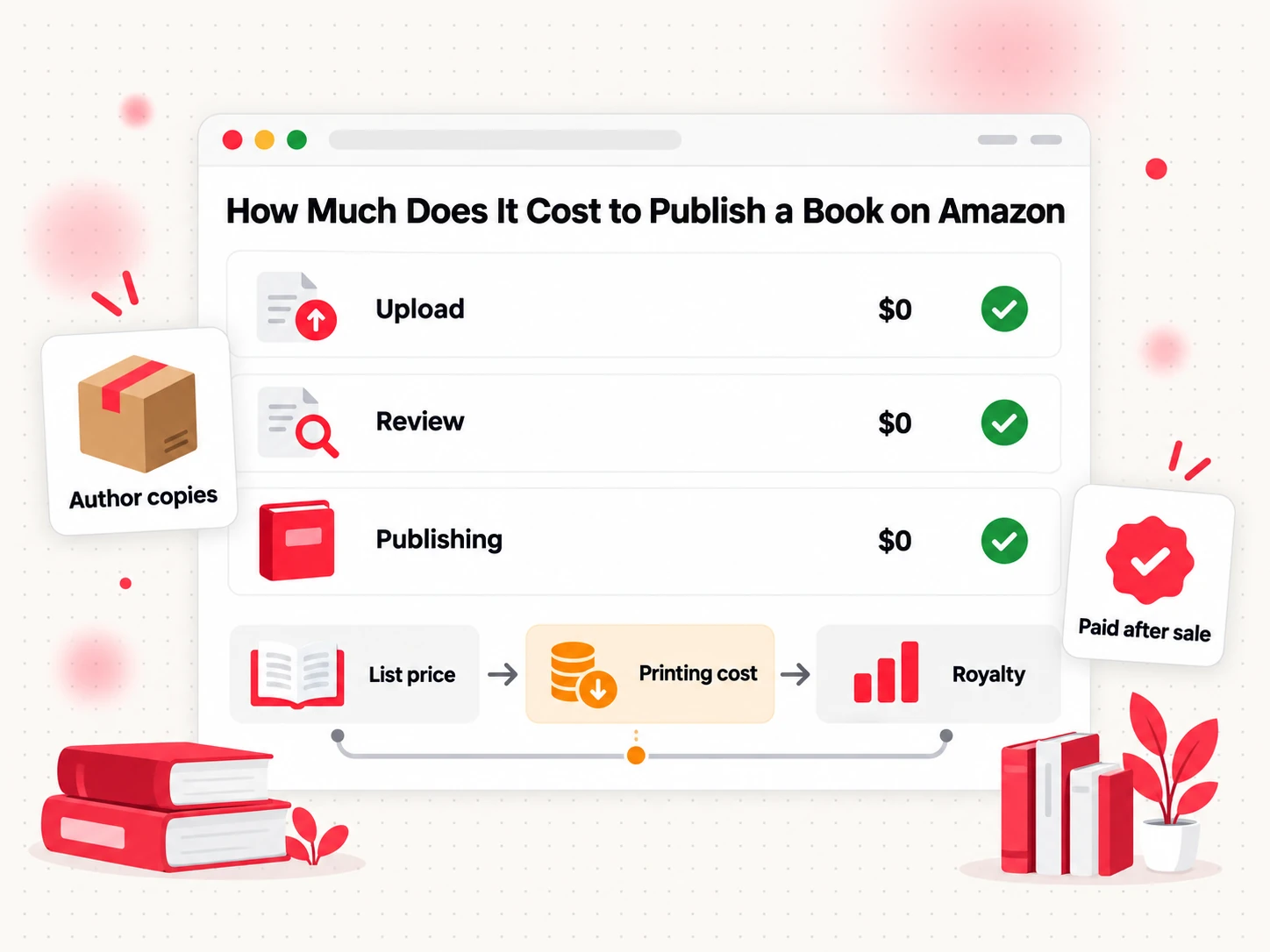
For a paperback, KDP's formula is the royalty rate times the list price, minus the printing cost. On amazon.com the royalty rate is 50% for list prices of $9.98 or less and 60% from $9.99. The printing cost is a fixed fee plus a per-page fee. For a black-ink interior on white paper at a standard trim size, a book of 110 to 828 pages costs $1.00 plus $0.012 per page. A larger trim size, wider than 6.12 inches or taller than 9 inches, costs $1.00 plus $0.017 per page. Premium color costs $1.00 plus $0.065 per page for 42 to 828 pages.
Here is an example with an invented 200-page, 6 x 9 inch black-and-white paperback priced at $14.99. Printing costs $1.00 + (200 x $0.012) = $3.40. The royalty is 60% of $14.99, about $8.99, minus $3.40, which leaves roughly $5.59 per copy sold on amazon.com. This is an illustration, not a quote, and other Amazon sites use different rates.
For an eBook there is no printing. Instead, the 70% royalty option deducts a delivery cost of $0.15 per megabyte on amazon.com, based on the file size. A text-only novel is small, so this is usually pennies. An image-heavy book costs more.
Author copies are the one place you pay Amazon directly. KDP says the author price is the printing cost times the number of copies, shipping and sales tax are added at checkout, and you receive no royalties on proof or author copies. Ordering a proof is not mandatory, but it lets you see the book in your hands before it goes live and is worth it for any paperback where trim, margins or cover color matter.
The step-by-step process is in how to publish a book on Amazon for free, and the broader picture of the platform is in what Amazon KDP is.
Editing Costs
Editing is usually the largest single cost and the one most worth understanding, because there are three different jobs under one name. Developmental editing looks at structure, argument and pacing. Copyediting fixes grammar, consistency and style. Proofreading catches the typos left after everything else. They are done in that order and priced in that order, with the earliest stage costing the most.
The EFA, a professional association for freelancers, publishes a rate chart from its member survey. Its 2026 chart, based on a survey of more than 1,100 people, lists these per-word ranges for book manuscripts:
| Service | Fiction (per word) | Nonfiction (per word) |
|---|---|---|
| Developmental editing | 3.0 to 3.5 cents | 4.0 to 5.0 cents |
| Line editing | 2.7 to 3.5 cents | 3.5 to 5.0 cents |
| Copyediting | 2.0 to 2.7 cents | 3.0 to 4.0 cents |
| Proofreading | 1.2 to 2.0 cents | 2.0 to 3.0 cents |
The table converts directly into a budget. An 80,000-word novel costs about $1,600 to $2,160 to copyedit and about $960 to $1,600 to proofread at these rates. A 60,000-word nonfiction book costs about $2,400 to $3,000 for developmental editing. Individual editors quote their own prices, and the chart is a reference, not a price list.
If money is tight, spend in this order. Fix structure first, because no proofreader can rescue a manuscript that does not work. Then pay for either a copyedit or a proofread, not skip both. Beta readers, a read-aloud pass and a second look a week later cost nothing and catch a surprising amount. The one thing I would not skip is the last review before upload, from someone who has not read the book fifty times.
Book Cover Design Cost
A cover is the first thing a reader judges, and it is where paying a professional is easiest to defend. There are three ways to get one, and the price differences are large.
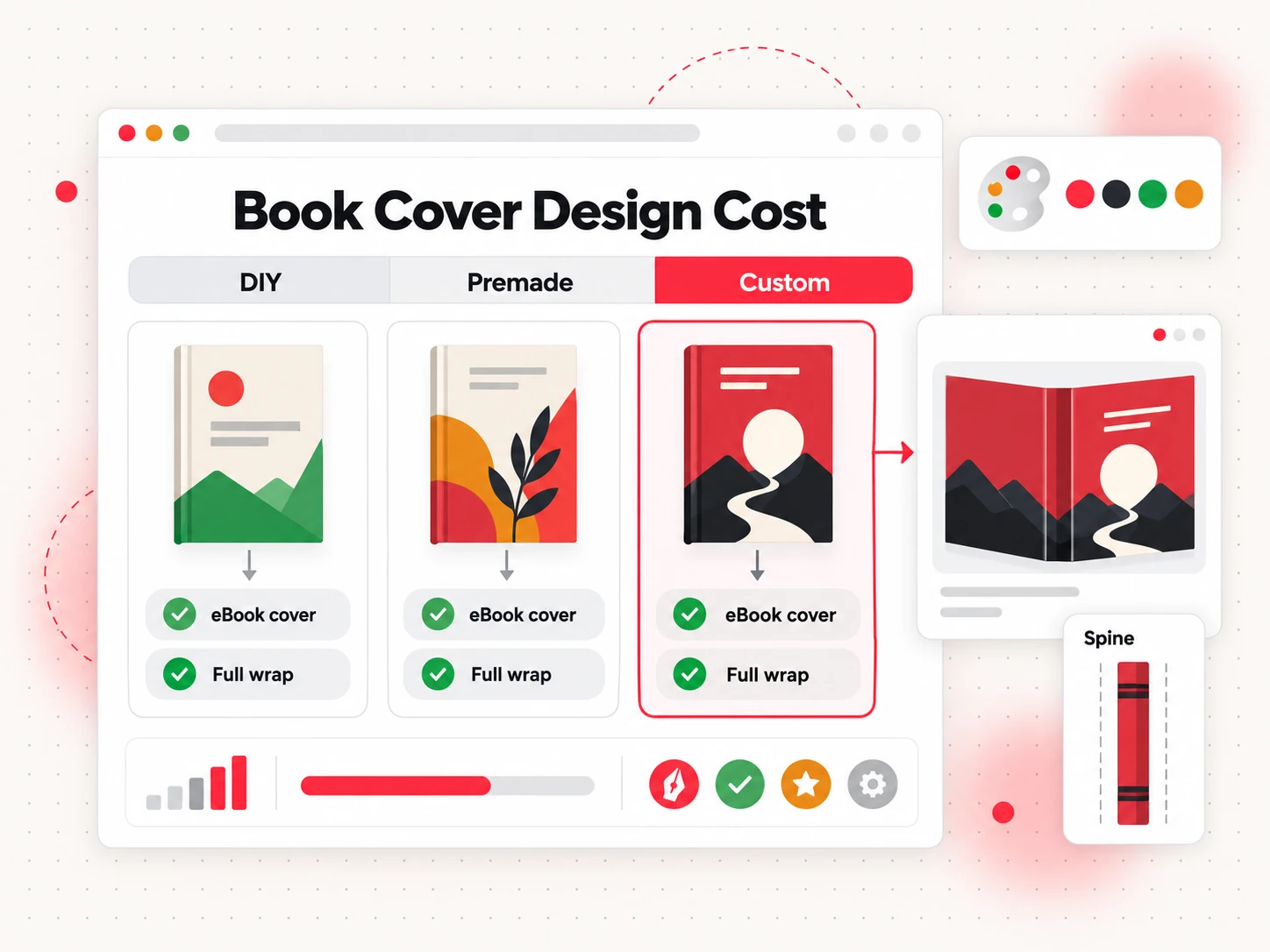
- Do it yourself. A design tool or a template costs the least in money and the most in time. It works best for simple nonfiction and workbooks, where clear type matters more than illustration.
- Premade. Designers sell ready-made covers that you customize with your title and name. Prices vary by seller and are lower than custom work, but the same cover can appear on other books, so check how exclusivity is handled before you buy.
- Custom. A designer builds the cover for your book. Reedsy's analysis of more than 9,600 cover projects in 2025 found an average of $880 and a typical range of $625 to $1,250. Nonfiction came in lower, with a median around $700, and picture books lower still at about $470. Custom illustration is the main reason a price climbs.
One cost catches first-time paperback authors: an eBook needs a front cover only, while a paperback needs a full wrap with back cover, spine and front cover on one file. KDP's spine formula for white paper is the page count times 0.002252 inches, so the width changes with your page count, and covers need a 0.125 inch bleed on the top, bottom and outer edge. Ask any designer whether the price includes the paperback wrap, and whether the ebook and print versions are priced together, because multiple formats are one of the factors Reedsy lists for higher fees.
The budget rule is simple: decide your formats first, then request quotes for all of them at once.
Formatting and Interior Design Costs
Formatting turns a manuscript into an eBook file and a print-ready interior. The work is smaller than editing or design, and tools have made it cheaper than it used to be.
You have three options. The first is KDP's own tool: Kindle Create, which runs on PC or Mac, turns a manuscript into a book of any trim size and exports KPF or EPUB. KDP's help pages do not state a price for it, so check the download page for current terms. The second is paid software. Atticus is listed on its own site as a $147 one-time purchase and runs in a browser or as an installed app on Windows, Mac and Linux. Vellum is Mac only, $199.99 for eBooks or $249.99 for eBooks and paperbacks, and you can download it and design a book before paying; the purchase is needed to export files. The third is a freelancer, who costs about what Reedsy lists for interior design: $800 on average, with half of projects between $475 and $1,275.
A paperback adds work an eBook does not need. The interior must be a PDF at your exact trim size, with mirrored inside margins that grow with page count and an optional bleed. Page numbers, chapter openings and headers all need to be set deliberately. The shortest route to a clean print file is a print-ready PDF generated from your finished manuscript.
Whatever tool you use, upload the finished file to KDP's previewer and read it page by page. A formatting fee does not protect you from a bad margin or a stray blank page.
ISBN Cost
How much is an ISBN? It depends on where you buy it, and on whether you need one at all. An ISBN is the number that identifies one edition of a book in one format. On KDP you do not need one for an eBook, because Amazon assigns its own identifier. For a paperback or hardcover you need one, and you have two ways to get it.
eBooks and low-content books are the only formats where an ISBN is optional.
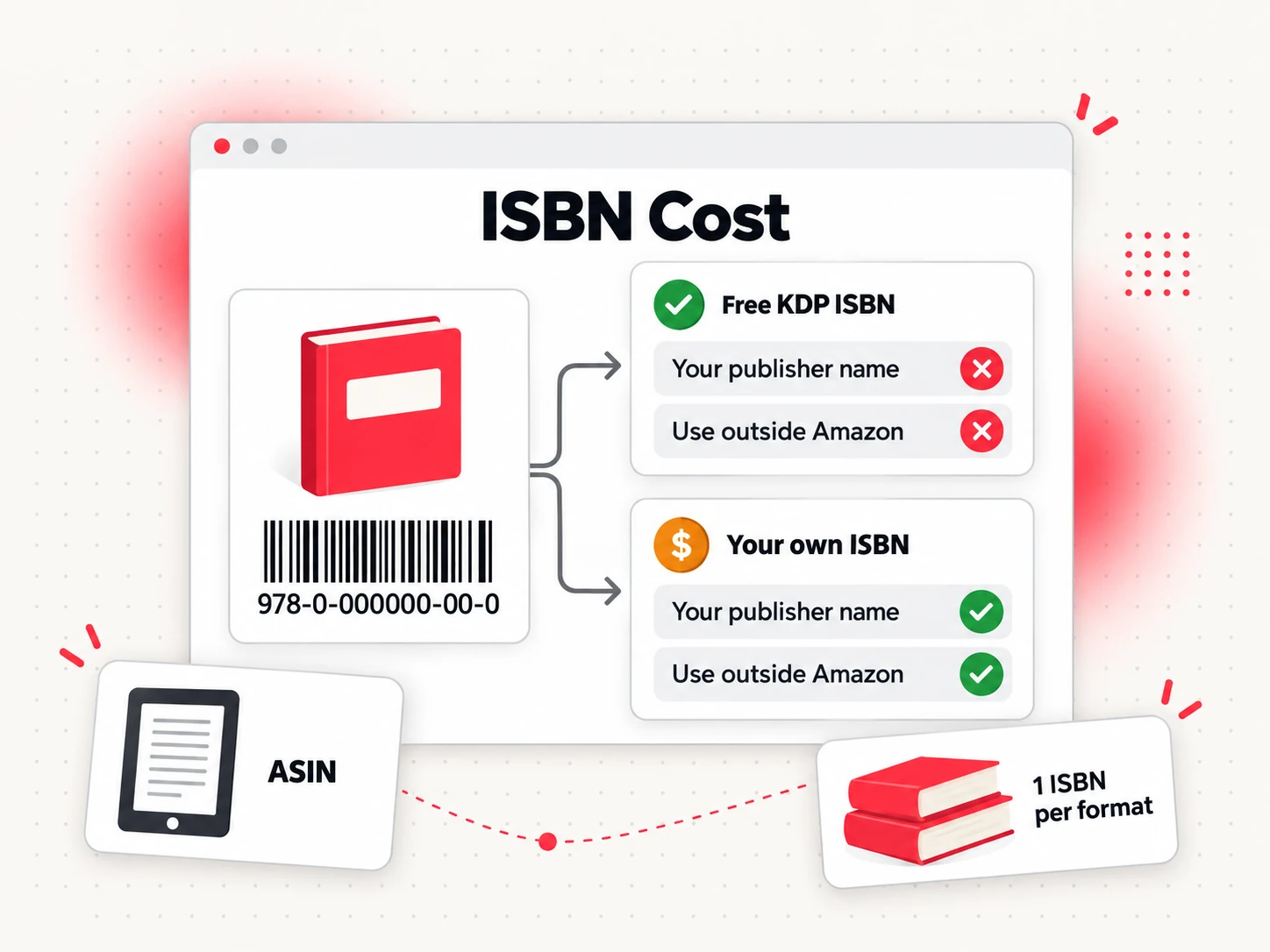
A free KDP ISBN costs nothing. KDP's help page says the free ISBN is for paperbacks and hardcovers, can only be used on KDP and cannot be used to publish elsewhere, and shows your publisher name as "Independently published."
Your own ISBN costs money in the United States, where Bowker is the agency. A single ISBN is listed at $125 and a block of 10 at $295 on myidentifiers.com, as of October 2026. Check the live price at checkout, because that page blocked my automated check and the figures come from search excerpts of it. Each format needs its own number, so a paperback, a hardcover and an EPUB sold outside Amazon need three. A block of 10 only makes sense if you will publish several formats or books.
Some countries issue them at no charge. Library and Archives Canada says eligible Canadian publishers can request free ISBNs, and self-publishing authors qualify if they are physically located in Canada and meet the other listed conditions. If you live outside the United States, look for your national ISBN agency before buying from Bowker.
The trade-off is control. With the free KDP ISBN, Amazon is the publisher of record and the number belongs to that listing. With your own, your name or imprint appears as the publisher and you can use the same number when you add other stores. If you plan to stay on Amazon, the free option is enough. If you want a wide release with your own imprint, buy your own.
Marketing and Launch Costs
Marketing is the one cost with no ceiling and no guaranteed return, so decide what you will spend before you start. Reedsy's guide lists a marketing range of $60 to $1,500: $60 to $500 a year for an author website and newsletter, and $570 to $1,320 for professional marketer services.
The cheapest items are the most durable. A simple author website and an email list cost little and belong to you, unlike a retailer page. Review copies cost the print cost of the book plus postage, or nothing for an eBook file. Amazon's rules on reviews are strict, so you can send free or discounted copies but cannot ask for or pay for reviews.
Ads are the only item that can run away from you, and they are optional. KDP says Sponsored Products ads are cost-per-click, so you pay when a reader clicks your ad, and you choose your bid and your budget. Amazon Ads suggests that many advertisers use at least $10 per campaign, but you set what you can afford. A sensible rule for a first book is to publish without ads, wait until the listing converts visitors into sales and only then test a small budget you can afford to lose.
Plan the launch in weeks, not dollars: decide what you will do before the book goes live, what you will do in the first month, and what you will stop doing if nothing moves.
Publishing on a $0 Budget
You can publish a book for $0 on Amazon, and many people do. This is what stays free.
- Writing and editing. Draft in any word processor. Edit in passes, read the book aloud and use beta readers.
- The KDP account and listing. KDP says publishing eBooks, paperbacks and hardcovers is free.
- A paperback ISBN. Use the free KDP ISBN. An eBook does not need one.
- Cover. Make your own with a design tool or a template.
- Formatting. Use the tools KDP provides, such as Kindle Create and the Kindle Previewer, which KDP describes as a free desktop application.
- Printing. Print on demand takes the cost out of your royalty, so you never pay for inventory.
The step-by-step version is in how to publish a book on Amazon for free.
The $0 route has real costs, and they are time and risk. You spend many hours learning to edit, format and design. A cover that looks homemade can hurt sales more than a missing editing pass, and unedited text shows. Free tools can also lock you into one store; the free KDP ISBN works only on KDP. If you plan to sell elsewhere later, you will need to buy an ISBN then and re-issue the edition.
A practical compromise is to start at $0 and add one paid item when you see which part holds the book back. If readers say the story is good but the cover looks amateur, hire a designer. If reviews mention typos, hire a proofreader. Spend where readers notice.
Where Bookeen Fits in Your Budget
Bookeen AI online book creator covers the drafting, layout and cover work in the middle of the budget, and it does not replace an editor. If you are comparing tools, the Bookeen online book creator is the page that shows how the writing and export steps work.
Bookeen sells credits, and one credit is about one page, or about 400 English words. The plans, as of October 2026, are Starter at $20 for 200 credits, Creator at $50 for 600 credits and Studio at $100 for 1,500 credits, with an 80% price when you pay yearly. New accounts get 30 credits, enough to generate a book and read it online, but downloading the finished files needs a paid plan. Exports are not charged in credits: the formats are Word (DOCX), PDF for reading, EPUB, PDF for print, a cover image, a print cover and Markdown.
Here is an estimate, not a quote. A 40,000-word book is about 100 pages, so about 100 credits, which fits inside the 200 credits of a Starter plan with room left for regenerating a section. Regenerating body text costs half the page price, and regenerating a cover costs 5 credits. The exact numbers are in your Studio account.
What the exports give you: the print PDF defaults to 6 x 9 inches, and the print cover combines back cover, spine and front on one file with a 1/8 inch bleed at 300 DPI. The eBook cover is 1600 x 2560 pixels, and the EPUB is EPUB 3 that passes epubcheck with no errors. These are production defaults, not a KDP certification, and they do not guarantee approval, so preview the files in KDP before you publish.
Bookeen does not provide human editing, ISBNs or uploading to KDP. You upload the files yourself, and you still read every page. In the budget table, it replaces part of the drafting, formatting and cover lines, and it leaves editing, ISBN and marketing where they were.
How Much Does It Cost to Publish a Book: FAQs
How much does it cost to publish a book?
Publishing a book on Amazon costs nothing to start, and the total depends on what you outsource. KDP lets you publish eBooks, paperbacks and hardcovers for free. Reedsy's 2026 quote data puts a fully professional self-published book at $2,940 to $5,660, while a DIY book can cost $0 plus optional proof copies. Editing and cover design make up most of any larger budget.
Is it free to publish a book on Amazon?
Yes, creating a KDP account, uploading a book and listing it is free. You pay in other ways: for paperbacks and hardcovers, the printing cost comes out of each sale, and eBooks on the 70% royalty option have a delivery cost per megabyte. Author and proof copies are the one purchase from Amazon, charged at printing cost plus shipping and tax.
How much does it cost to self-publish a book with professional help?
Reedsy's 2026 guide, built on more than 230,000 freelancer quotes, puts the total at $2,940 to $5,660. Within that, editing for an 80,000-word book runs $2,160 to $5,040 by Reedsy's range, a cover averages $880 to $930 depending on the data set, and interior design averages about $800. Your genre and length move the number.
How much is an ISBN?
An ISBN is free on KDP for a paperback or hardcover if you use the KDP ISBN, which works only on KDP. In the United States, Bowker lists one ISBN at $125 and ten at $295. Canadian self-publishers can request free ISBNs from Library and Archives Canada if they meet the conditions. An eBook on KDP does not need one.
How much does a book cover cost?
Reedsy's analysis of more than 9,600 cover projects in 2025 found an average of $880, with most projects between $625 and $1,250. Nonfiction medians were lower, around $700. Doing it yourself costs only time, and premade covers sit between the two. Paperbacks need a full wrap with spine, so confirm that the quote includes it.
Who pays for printing when I publish a paperback on Amazon?
Nobody pays up front. KDP prints each copy when a reader orders it and deducts the printing cost from your royalty, using the formula royalty rate times list price, minus printing cost. You pay printing cost directly only when you order your own proof or author copies, plus shipping and tax. No royalties are paid on those orders.
Can I publish a book without spending any money?
Yes. Write and edit it yourself, make a cover with a free tool, format with the tools KDP provides, use the free KDP ISBN for a paperback and publish through KDP's no-cost account. What you give up is time and some polish, plus freedom to use that ISBN outside KDP. Add paid help one item at a time where readers notice the gap.
Start Your Book With a Budget You Can Plan
If you want to cover the drafting, layout and cover steps in one place, try the Bookeen AI online book creator. You can generate and preview a book online, then decide which of the remaining costs, such as editing and ISBN, are worth paying for.