

What Is NotebookLM Used For? A Writer's Guide
What is NotebookLM used for when you write a book? Real NotebookLM use cases for nonfiction research, memoir interviews, course books and story bibles.
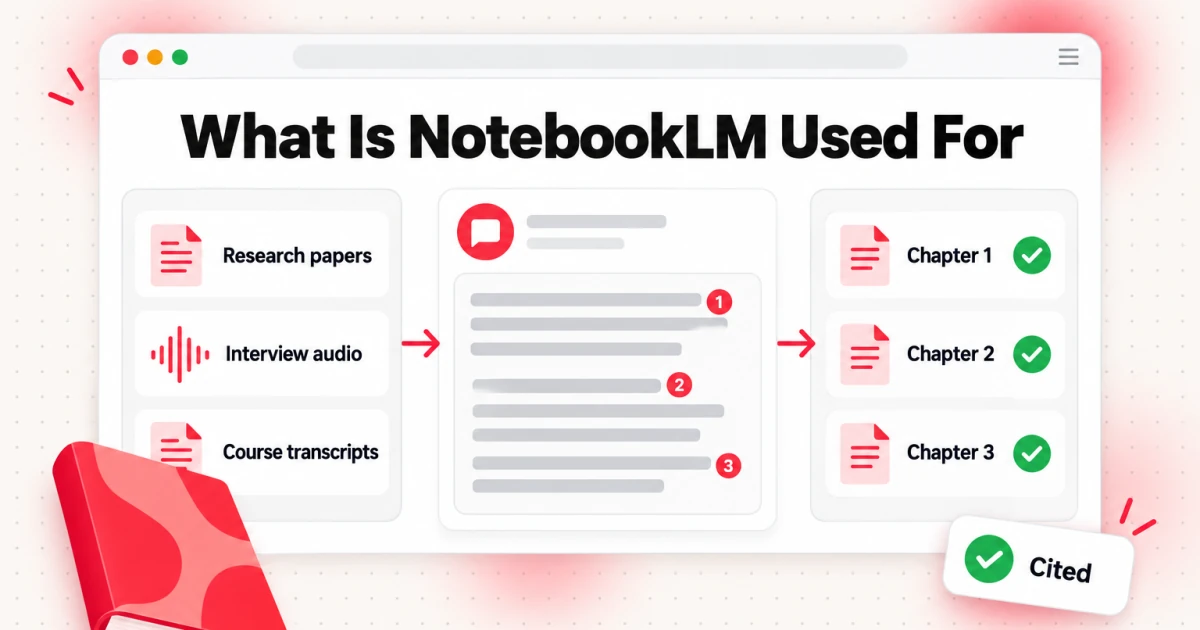
What is NotebookLM used for? In short, NotebookLM is used to understand a specific pile of material fast. You add your own sources, such as PDFs, Google Docs, web pages, audio recordings, pasted text or YouTube videos, and NotebookLM answers questions about them with a citation on every claim. It also turns the same sources into briefing reports, timelines, mind maps, study guides and spoken summaries. For writers, that makes it a research desk: people use NotebookLM to research nonfiction, sort through memoir interviews, pull a teaching book out of a course or a talk series, track characters and continuity in a novel, and check a finished draft against its sources.
Google renamed the product Gemini Notebook on July 16, 2026. The announcement on the Google blog describes it as the same standalone product with a new name, so existing notebooks and shared links kept working, and most people still search for it as NotebookLM. This guide uses the old name.
If you want a full review of the product, its limits and how it handles video, read this in-depth NotebookLM review on the transcript.im blog. This article answers a narrower question for people who write books: what is NotebookLM used for between the first idea and the finished manuscript, and where does it stop being useful?
What Does NotebookLM Do?
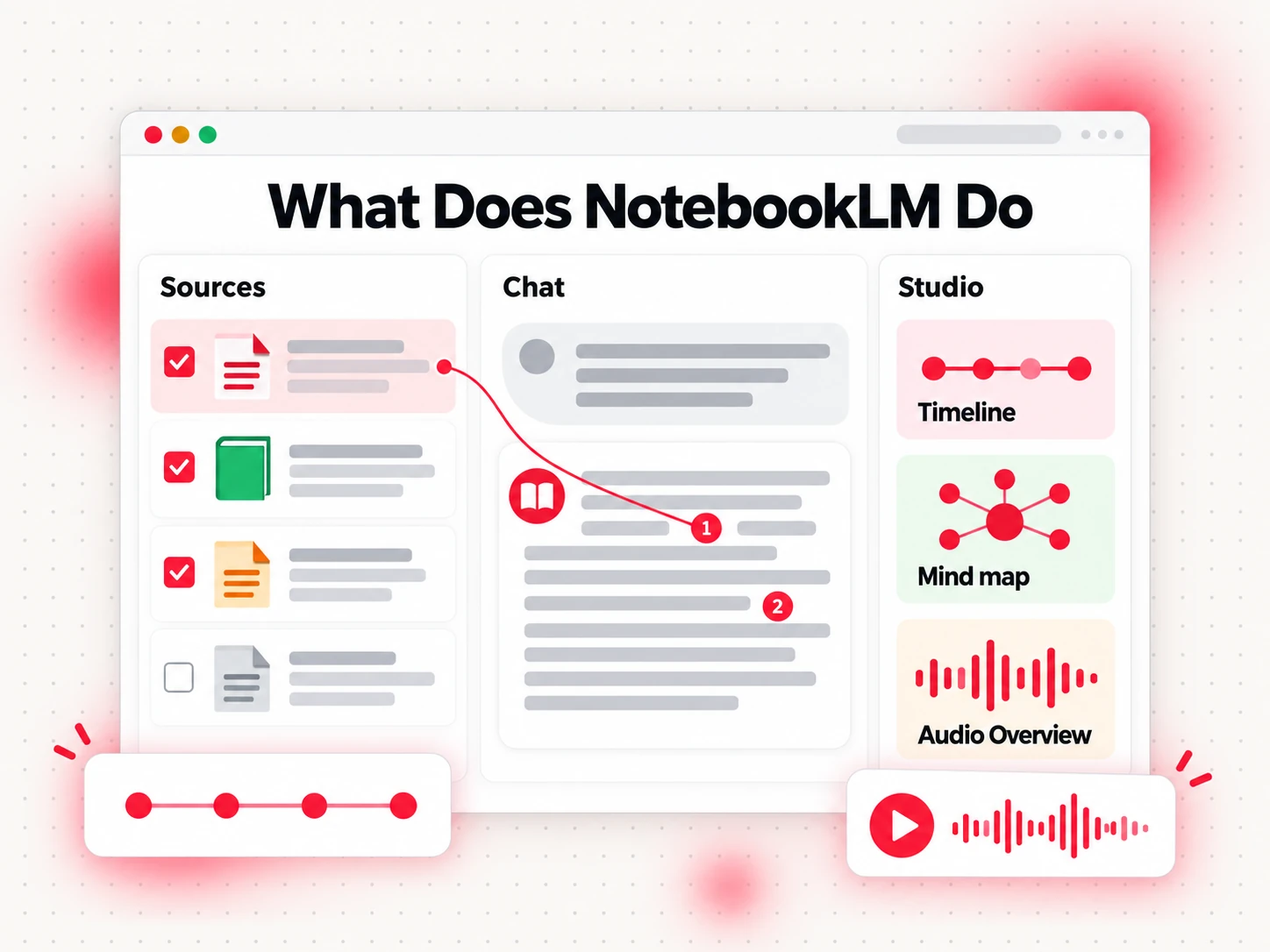
What does NotebookLM do with the sources you give it? Three things, and every useful writing workflow below is built on them:
- It answers questions from your sources only. Answers are grounded in the documents you keep in the notebook, even when chat searches the web to find new material, and each claim in an answer links to the passage it came from. You can tick sources on and off to narrow a question to one document or widen it to the whole notebook.
- It turns sources into formats. The Studio panel creates study guides, briefing reports, timelines, flashcards, quizzes, mind maps, slide decks, infographics, Audio Overviews (a podcast-style conversation between two AI hosts about your material) and Video Overviews.
- It keeps everything in one notebook. Each notebook is a project with its own sources, chat and outputs. A writer can keep one notebook per book, or one per part of a book, and share it with a co-author or an editor.
What does NotebookLM do for writers that a general chatbot does not? It stays inside your material. When you ask "Where did my grandmother say the family moved in 1962?", it answers from the interview you uploaded and shows you the line. A general assistant answers from whatever it learned elsewhere, which is useless when the facts exist only in your recordings and notes.
The source rules matter for book projects, because books come with a lot of material. Google's help page on adding sources lists the main limits: up to 50 sources per notebook on the free tier, up to 500,000 words per source, and up to 200 MB per uploaded file. Uploads can be PDFs, text and Markdown files, Word documents and audio files such as MP3 and WAV, and audio is transcribed when you import it. From Google Drive you can add Docs, Slides and Sheets. If a source is a slide deck, an EPUB or a long web page, converting it to Markdown first with a tool such as markitdown.ai keeps its headings and tables readable, and several short files can then be merged into one source. Daily chat and Studio usage are capped by plan, and paid Google AI plans raise the caps. The Wikipedia entry for Gemini Notebook covers the product's history from its start as Project Tailwind at Google I/O 2023.
What Is NotebookLM Used For in a Book Project?
Most lists of NotebookLM use cases are written for students and office teams. The same features map cleanly onto book work. Here are the NotebookLM use cases for writers that come up again and again, with the sources each one needs and what you get back.
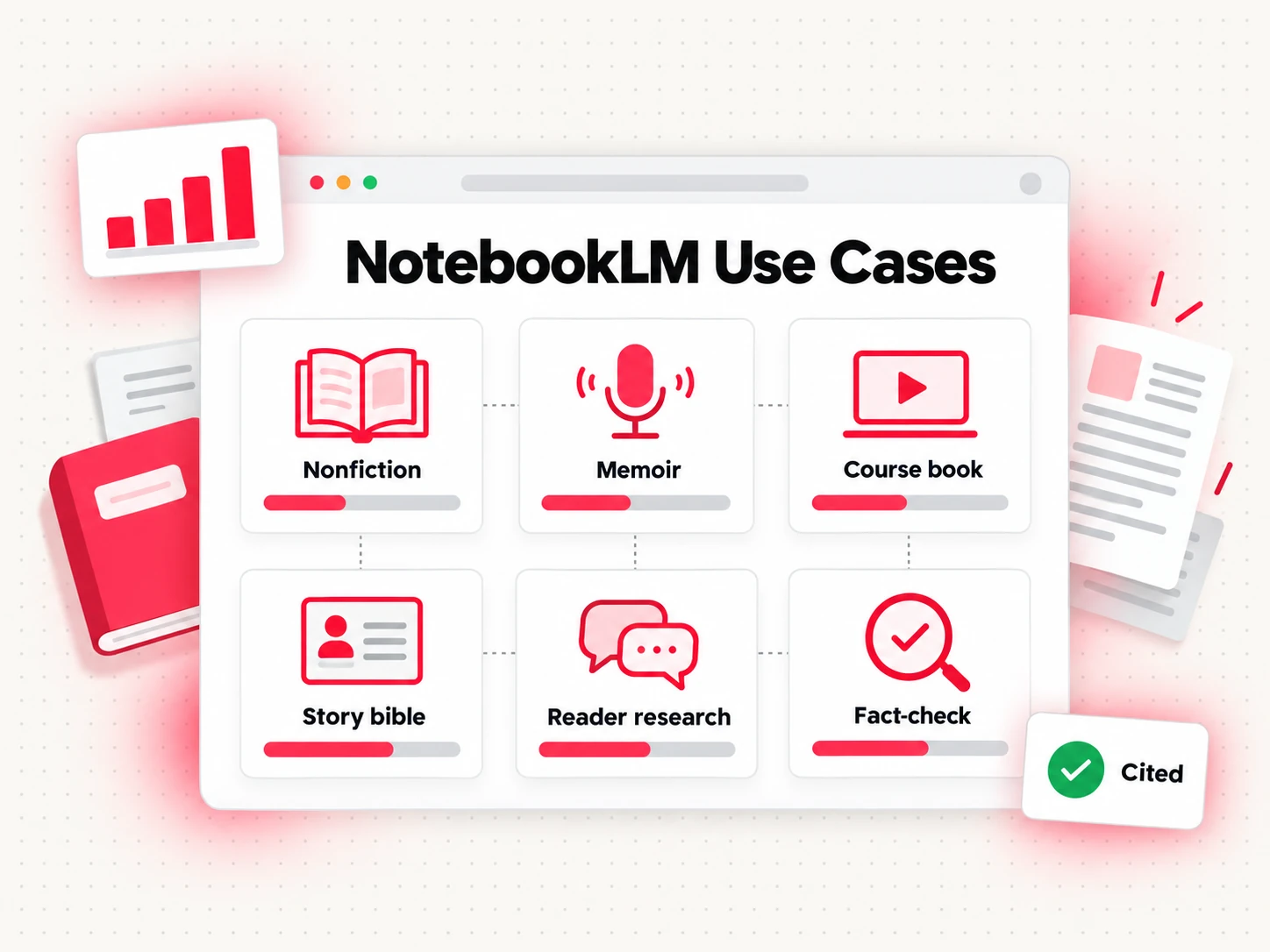
| Use case | Typical sources | What you get |
|---|---|---|
| Researching nonfiction | Papers, reports, articles, your notes | Cited summaries, comparisons, chapter-level briefs |
| Writing a memoir from interviews | Recorded interviews, letters, diaries, notes on old photos | A searchable record, a timeline, quotes with sources |
| Turning a course or talk series into chapters | Lesson transcripts, slides, handouts | A lesson-to-chapter map and recurring themes |
| Tracking continuity in fiction | Character sheets, worldbuilding notes, past chapters | Continuity answers and a living reference |
| Reader research | Survey answers, reader emails, community questions | The questions your book must answer |
| Fact-checking a finished draft | The draft plus its sources | Claims that lack support, quotes to verify |
| Listening to your material | Any of the above | An Audio Overview for review on the move |
What does NotebookLM do for writers in all of these? The common thread is that the writer already has the material. NotebookLM does not go out and find sources for you, and it does not write the book. It helps you read, sort and question what you have, so the writing starts from a clear picture instead of a folder of half-remembered files.
1. NotebookLM for Research on a Nonfiction Book
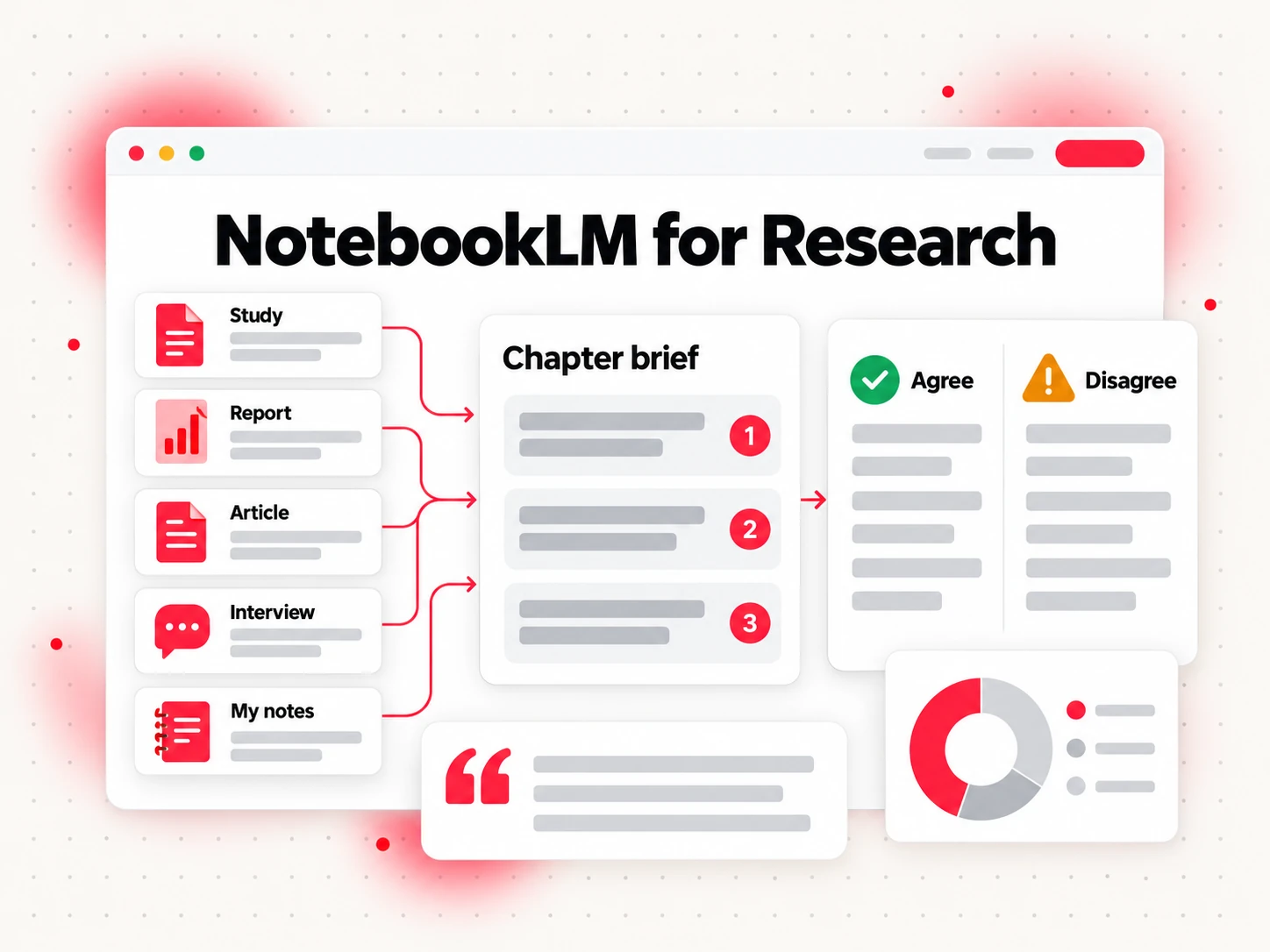
Using NotebookLM for research is where it is strongest, and nonfiction authors get the most out of it. Nonfiction usually rests on dozens of sources: studies, reports, books you have notes on, articles, interviews you ran, and your own working notes. Keeping track of who said what, and where, is half the work. NotebookLM for research keeps all of it in one place and answers questions across it with citations.
A practical way to set it up:
- One notebook per book, or per part. If your book has three parts that draw on different literature, three notebooks give sharper answers than one notebook with 50 loosely related sources.
- Name every source clearly. File names like "2024 sleep study - Lancet summary" or "Interview - school principal - March" make citations readable months later.
- Ask chapter-level questions. "What do these five papers agree on about sleep and memory, and where do they disagree?" gives you the skeleton of a chapter, with the disagreements you need to address.
- Generate a briefing report per chapter. The report is a quick map of what your sources say on one topic. It is not prose for your book, but it shows you gaps before you start drafting.
- Keep a running list of quotes. Ask for every passage where a source makes a specific claim, then open each citation and copy the exact wording into your notes with its page or timestamp.
Here is where NotebookLM for research saves real time: when you return to a chapter after two weeks away, you do not have to reread every source. Ask "What did I collect on early-warning signs?" and the notebook shows you the relevant passages with links back to them.
Keep the limits in mind. NotebookLM treats every source as equally trustworthy unless you tell it otherwise, so an outdated report gets the same weight as last month's study. Put the publication date in the source name, and say in your question which sources are newer. And always read the cited passage before you rely on it. Grounded is not the same as correct: the tool can flatten a disagreement or miss an exception while still pointing at the right paragraph.
If your project is closer to a report than a narrative, such as an industry analysis or a white paper you want to expand, the structure of a research report book is a useful model for organizing what the notebook gives you.
2. Writing a Memoir From Interviews and Family Records
Memoir and family history are built from memory, and memory lives in messy places: recorded phone calls with relatives, voice memos, old letters, diaries, a box of photographs with notes on the back. NotebookLM helps you turn that pile into something you can search and question.
Audio is the key. NotebookLM accepts MP3, WAV and other audio formats and transcribes them on import, so a recorded interview with your father becomes a source you can ask questions of. If your interviews are video calls or videos you recorded yourself, a transcript tool such as transcript.im can turn an uploaded file into a timestamped transcript first, which you can then add to the notebook as text. Timestamps help later: when you want to hear the exact tone of a sentence, you can jump to that moment in the recording.
Useful questions for a memoir notebook:
- "Name every place my mother lived, in order, with the source of each one."
- "Where do my uncle's and my aunt's accounts of the 1985 move disagree?"
- "Which stories about the farm come up in more than one interview?"
- "Create a timeline of the events in these interviews."
The timeline output is especially useful for memoir. Family stories rarely come in order, and a timeline built from your sources shows you the shape of the book, the gaps you need to ask about, and the places where two people remember the same event differently. Those disagreements are often where the best chapters are.
Two cautions. First, people in your interviews have not agreed to be quoted in a book just because they agreed to talk to you. Get permission for anything you plan to publish, and follow the platform rules on personal information before you upload other people's private details. Second, a memoir needs your voice. Let NotebookLM find and organize the material, but write the scenes yourself.
3. Turning a Course or Talk Series Into a Teaching Book
Many teaching books start as spoken material: an online course, a webinar series, a podcast, a set of conference talks, or a YouTube channel full of tutorials. The ideas are already there. What is missing is the written structure, and NotebookLM is a good place to find it.
The first step is getting the words out of the videos. NotebookLM can read a YouTube link, with three limits that matter for a whole course:
- It reads captions only. NotebookLM imports the video's caption text. Slides, on-screen code and charts are not part of the source, and a video without captions cannot be added. YouTube explains how its automatic captions work and why they are not available on every video.
- One link is one source. There is no import for a whole playlist or channel, so a 40-lesson course takes 40 separate pastes.
- The source cap fills fast. Those 40 videos use 40 of the 50 sources in a free notebook.
The workaround is to bring the text yourself. The YouTube playlist transcript tool on transcript.im takes one playlist link and returns a transcript for every video, and the YouTube channel transcript tool does the same for a channel's uploads. Each transcript keeps its video title and timestamps, and videos without captions are transcribed from the audio. Since one NotebookLM source can hold half a million words, and a one-hour talk produces roughly 8,000 to 10,000 words of transcript, you can merge the transcripts of a whole course module into a single file and add it as one source. That leaves room in the notebook for your slides, handouts and notes. Only do this with your own videos or videos you have permission to use. The full route from a channel or course playlist to a finished book is laid out in how to create an ebook from YouTube transcripts.
Once the transcripts are in, ask the questions that turn a course into chapters:
- "Group these lessons into six to eight themes that could become chapters."
- "Which ideas do I repeat in more than three lessons?"
- "Where do I explain a concept in a later lesson that I use earlier?"
- "Which examples and stories do I tell, and in which lesson?"
The last question is worth asking early. Spoken teaching is full of examples, and a book needs them in the right order. A list of every example with its source lets you decide which ones carry each chapter.
Remember that a transcript is not a book. A transcript records what was said, with repetition, asides and references to slides the reader cannot see. A good companion book distills the explanation and adds what a lesson cannot pause for: a checklist, a worked example, a definition to return to. Bookeen's guide to the course companion book type covers that difference in detail, and course creators who turn lessons into books will find practical structure there. The route also runs the other way: once a chapter is written, an article to video tool such as Potto can turn the text into a narrated video, which gives the book a short preview for the same audience that watched the course.
4. NotebookLM for Writers of Fiction: A Story Bible
NotebookLM for writers of fiction is less obvious than research, but it solves a real problem: continuity. Once a novel runs past a few hundred pages, or a series passes its second installment, it gets hard to remember what color a character's eyes are, which town she grew up in, and what she already knows about the betrayal in chapter 12.
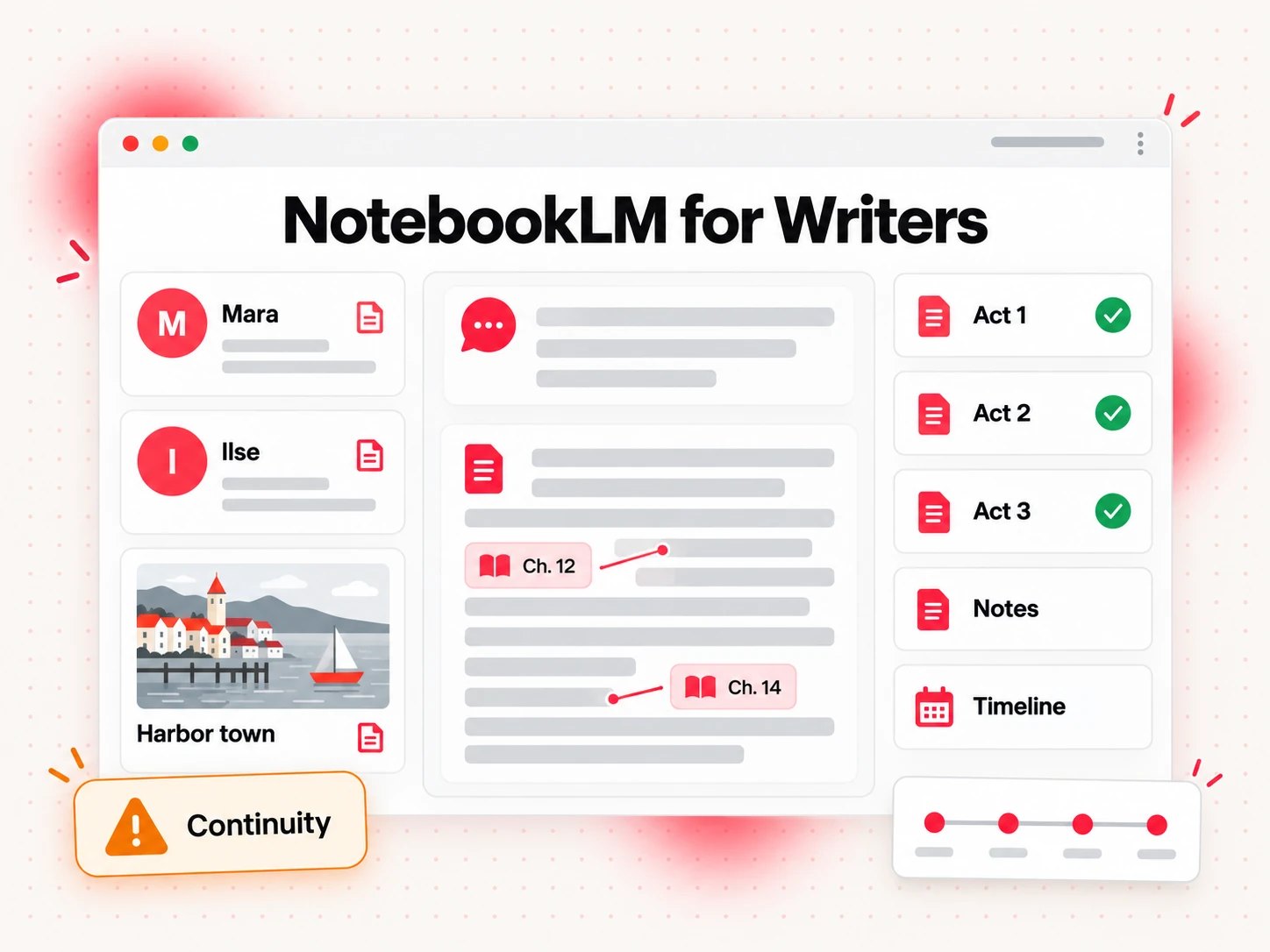
NotebookLM for writers of fiction works like this:
- Add your character sheets, worldbuilding notes and timeline as sources. Plain documents work best.
- Add finished chapters as you go, one file per act or per book, so the notebook knows what is actually on the page and not just what you planned.
- Ask continuity questions before you write a scene: "What has Mara been told about her brother by the end of chapter 14?" or "Which scenes are set in the harbor town?"
- Check for contradictions when you revise: "Do any chapters give a different age for Captain Ilse?"
Because every answer cites the chapter it came from, you can open the passage and confirm. That is much faster than searching a manuscript for a name and reading every hit.
Keep NotebookLM out of the prose. It is built to summarize and answer from sources, not to write fiction in your voice, and its summaries of your own chapters will sound flat. Use it as a memory, not a co-writer. When you want to develop the plot, scene list or chapters themselves, a tool built for long-form fiction, such as the Novel template in Bookeen, is a better fit, and your continuity notes are exactly the kind of material to bring to it.
5. Reader Research Before You Outline
A book that answers the questions readers actually ask is easier to write and easier to sell. Many authors already have those questions sitting in their inbox: replies to a newsletter, comments from a community they run, answers to a reader survey, questions people asked after a talk, notes from coaching or client calls.
Put that material in a notebook, with personal details removed, and ask:
- "What are the ten most common questions in these responses?"
- "Which problems do people describe in their own words? Quote them."
- "Group these questions into topics, and count how often each topic comes up."
- "What do people say they have already tried that did not work?"
The answers give you a chapter list grounded in real demand and, just as useful, the exact phrases readers use. Those phrases make better chapter titles and back-cover copy than anything invented at a desk.
Two things to watch. First, the notebook only knows what is in it. Fifty survey answers from your most engaged readers are not the whole market, so treat the output as a strong signal, not a census. Second, respect the people who wrote to you. Strip names and email addresses before uploading, and follow your own privacy promises.
6. Fact-Checking a Finished Draft
When the draft is done, NotebookLM becomes useful again in a different way. Add the draft as one source and the research behind it as the others, then ask the notebook to check the draft against the sources:
- "Show the source that supports each statistic in the draft. Mark any that have no support in the other sources."
- "Find every direct quote in the draft and show the matching passage in the sources."
- "Where does the draft describe a study differently from how the study describes itself?"
This does not replace a human fact-check. NotebookLM can miss a mismatch, and it cannot tell you whether a source itself is wrong. But it makes the first pass fast, and it points you at the claims most likely to be wrong, which is where your attention should go.
The same approach works for a revised edition. Add the old edition, your new sources and your notes on what changed, then ask which chapters rely on material that has been superseded.
7. Listening to Your Material With Audio Overviews
Audio Overviews turn any notebook into a spoken discussion of your sources. Writers use them in two ways: to absorb a large reading list on a walk or a commute, and to hear their own material explained back, which often shows what is clear and what is still muddled.
You can steer the conversation by telling it which topics to focus on and who the audience is. For a nonfiction author, an Audio Overview on one chapter's sources is a quick way to hear the argument before you write it. For a memoirist, an overview of a set of interviews can surface a story you skimmed past.
An Audio Overview is a summary, not the source. Use it to decide what to read closely, then open the citations.
NotebookLM Examples: Prompts Writers Can Copy
Good NotebookLM examples are specific questions about a specific set of sources. Here are NotebookLM examples for every stage of a manuscript, ready to paste into the chat. Replace the bracketed parts with your own details.
For a nonfiction chapter, with your research sources selected:
Summarize what these sources say about [topic]. Group the points into agreements and disagreements, and cite each point.
For an outline, with all sources selected:
Propose a chapter outline for a book for [reader] about [topic], using only these sources. Name the three sources every chapter relies on most.
For a memoir, with your interview sources selected:
Create a timeline of every event mentioned in these interviews. Give the year if stated, the place, and who described it.
For a course book, with your lesson transcripts selected:
Find the examples, stories and exercises in these lessons, in the order they appear, with the lesson title next to every item.
For a novel, with your character sheets and chapters selected:
What does [character] know about [event] by the end of [chapter]? Quote the passages that show it.
For reader research, with your survey answers selected:
List the questions readers ask most often, with how many responses mention each one. Quote two responses per question.
For a fact-check, with the draft and its sources selected:
Find every number and statistic in the draft. Show the source passage that supports it, or say that none of the sources do.
Two habits make these prompts work better. Select only the sources that matter for the question, and ask for citations even when the answer seems obvious. A cited answer takes seconds to check. An uncited one takes an afternoon.
What Is NotebookLM Good For, and Where Does It Stop?
So, what is NotebookLM good for in a book project? The best NotebookLM use cases for writers cover everything that happens before and after the writing: gathering, sorting, questioning and checking. It is weak at the writing itself and at everything that happens after the manuscript, such as layout, a cover and the files a reader or a store needs.
| Stage of a book | Is NotebookLM a good fit? | Why |
|---|---|---|
| Collecting and reading sources | Yes | Cited answers across many documents |
| Finding structure and themes | Yes | Briefing reports and timelines |
| Drafting chapters in your voice | No | Built to summarize sources, not to write long-form prose |
| Keeping continuity in fiction | Yes | Answers from your own chapters with citations |
| Checking facts and quotes | Yes, as a first pass | Points at weak claims; does not prove them |
| Layout, cover and export | No | No manuscript editor, no EPUB or print files |
The limits that matter most for writers:
- It answers from the notebook first. Chat can search the web and Add sources can find new sources online, but answers are only grounded in the sources you keep in the notebook.
- It does not judge sources. An outdated or wrong source is answered from faithfully.
- It only sees text. For video, anything shown but not said is missing from the source.
- It does not make you the author. Grounded summaries are not your argument, your scenes or your voice.
- Your rights to the material still apply. Uploading a book you bought or a stranger's course to a notebook does not give you the right to publish what comes out of it. The U.S. Copyright Office's fair use overview is a good starting point if you are unsure where the line is.
From NotebookLM Notes to a Finished Book
NotebookLM leaves you with a well-organized notebook: cited summaries, a chapter map, timelines, quote lists and a sense of what your book needs to say. What it does not give you is a manuscript. That next step is where a book tool takes over.
Bookeen is an online book creator that takes a book from an idea, your notes or an unfinished draft to a complete manuscript and the files to publish it. You can describe the book, its reader and the result you want, attach notes and a draft you have the right to use, or paste links to posts and videos you want it to learn from. Bookeen turns that into a book brief with the reader, purpose, length and an outline you can edit before any chapter is written. Book types include Lead Magnet, How-To Guide, Research Report, Interactive Workbook, Course Companion and Novel, and the finished manuscript exports as EPUB, PDF, print PDF, DOCX and Markdown, with a cover.
A simple handoff from NotebookLM to Bookeen:
- Export the structure. Copy the chapter outline, the per-chapter briefing notes and your key quote list out of NotebookLM into one document. Keep the citations next to each point so you can trace claims later.
- Write the brief in your own words. Name the reader, the promise of the book and the length. This is the part only you can decide.
- Bring the notes into Bookeen. Attach the document with your outline and notes, and choose the book type that matches the project: Research Report for an evidence-heavy book, Course Companion for a course, How-To Guide for a practical book, Novel for fiction.
- Revise chapter by chapter. Read every page, check every fact against your notebook and rewrite anything that does not sound like you. You remain the author.
- Export and test the files. Open the EPUB on a phone and an e-reader, and proof the print PDF before you upload anything.
Each of these steps, with prompts and a worked example, is covered step by step in how to create an ebook with NotebookLM.
For the full process from manuscript to file, read Bookeen's guide on how to create an ebook, which covers layout, covers, EPUB and PDF, and testing. If you plan to sell the book on Amazon, check the KDP content guidelines, which ask you to disclose AI-generated content when you publish.
How to Get Better Results From NotebookLM as a Writer
- Start with fewer, better sources. Ten strong sources for a chapter beat forty loose links for a whole book.
- Name and date every source. Citations are only useful if you can tell at a glance which interview or which report they point to.
- Split big projects. Separate notebooks for separate parts of a book keep answers focused and leave room under the source cap.
- Ask for structure, not prose. Outlines, timelines, lists and comparisons are where NotebookLM shines. Paragraphs for your book are not.
- Click the citations. The whole point of NotebookLM is that you can check it. Do, especially for quotes and numbers.
- Keep the originals. Your recordings, transcripts and documents are the real record. The notebook is a way into them, not a replacement.
FAQs
What is NotebookLM used for?
NotebookLM is used for answering questions about your own material and turning it into summaries, timelines and other study formats, with a citation on every claim. The most common NotebookLM use cases for writers are researching nonfiction, organizing memoir interviews, turning course transcripts into book outlines, tracking continuity in fiction, analyzing reader questions and fact-checking drafts.
What does NotebookLM do for writers?
NotebookLM reads the sources in a writer's notebook, answers questions from them with citations, and generates formats such as briefing reports, mind maps and Audio Overviews. Google states that notebook content is not used to train its foundation models unless you submit feedback.
What is NotebookLM good for when writing a book?
NotebookLM is good for the research and organizing stages of a book: reading many sources, finding themes, building a chapter outline, tracking continuity and checking facts. It is not built to write chapters in your voice or to produce the final book files.
Can NotebookLM write a book for me?
No, NotebookLM is not a book writer. It summarizes and answers from your sources, so it can give you an outline and organized notes, but drafting, revising and exporting a manuscript need a writing tool. Many authors take their NotebookLM notes to a book creator such as Bookeen for that step.
Can NotebookLM read my interview recordings?
Yes, NotebookLM accepts MP3 and WAV audio and transcribes it on import. For video recordings, or when you want timestamped transcripts you can keep and edit, transcribe the files first with a tool such as transcript.im and add the text as a source.
What are some NotebookLM examples for authors?
Common NotebookLM examples for authors include asking for a cited summary of what several studies say about one topic, a timeline of events across family interviews, a list of every example used in a course, and a continuity check on what a character knows by a given chapter. The prompt section above has copy-ready versions of each.
How many sources can a NotebookLM notebook hold?
A free NotebookLM notebook holds up to 50 sources, each as long as 500,000 words or as large as 200 MB for an uploaded file. Paid Google AI plans raise the source cap and daily usage limits, so check Google's current plan page before you upgrade.